A Day That Feels Like Yours.
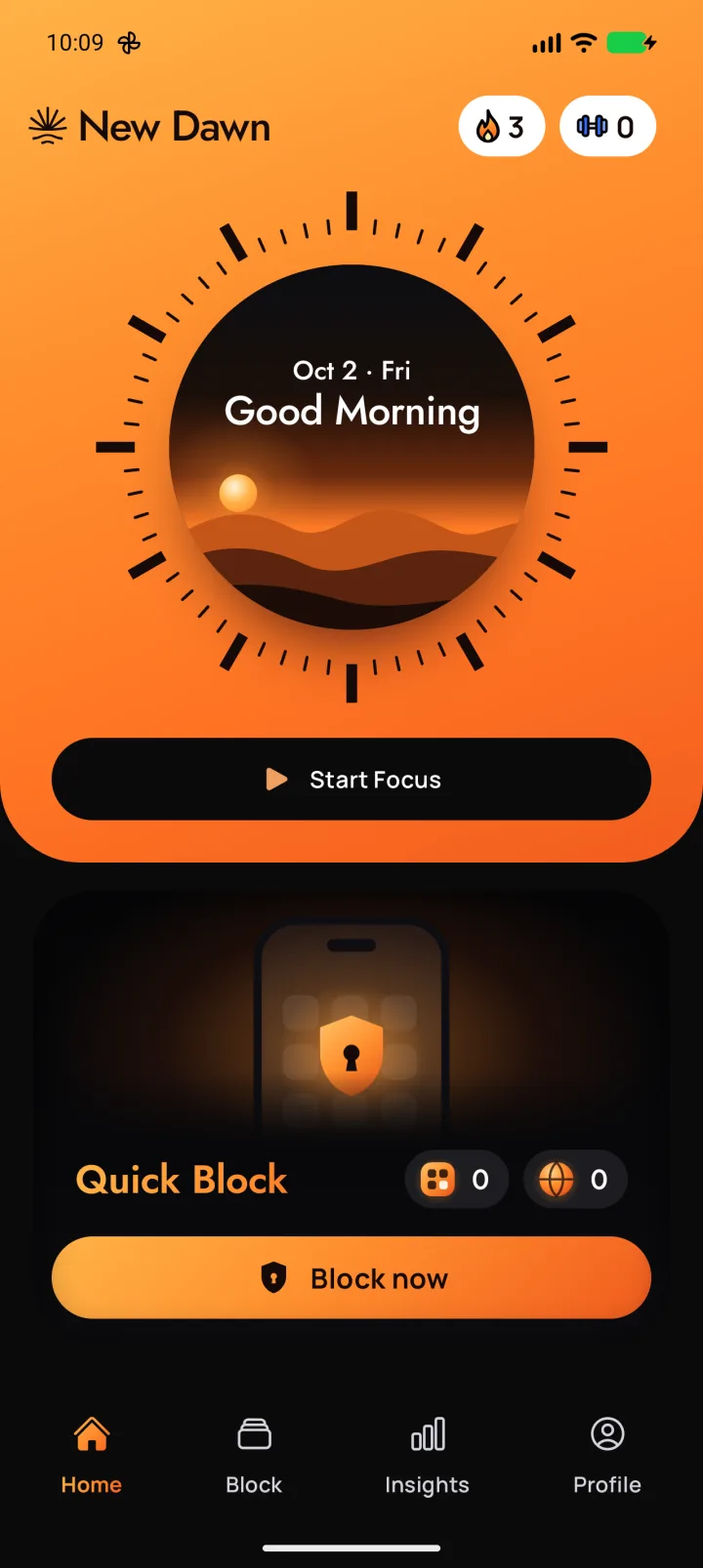
New Dawn blocks distracting apps and websites, so you can choose when to use them. Set your limits, earn screen time with workouts, and make room for what matters. Available on Android.
Choose When To Scroll.
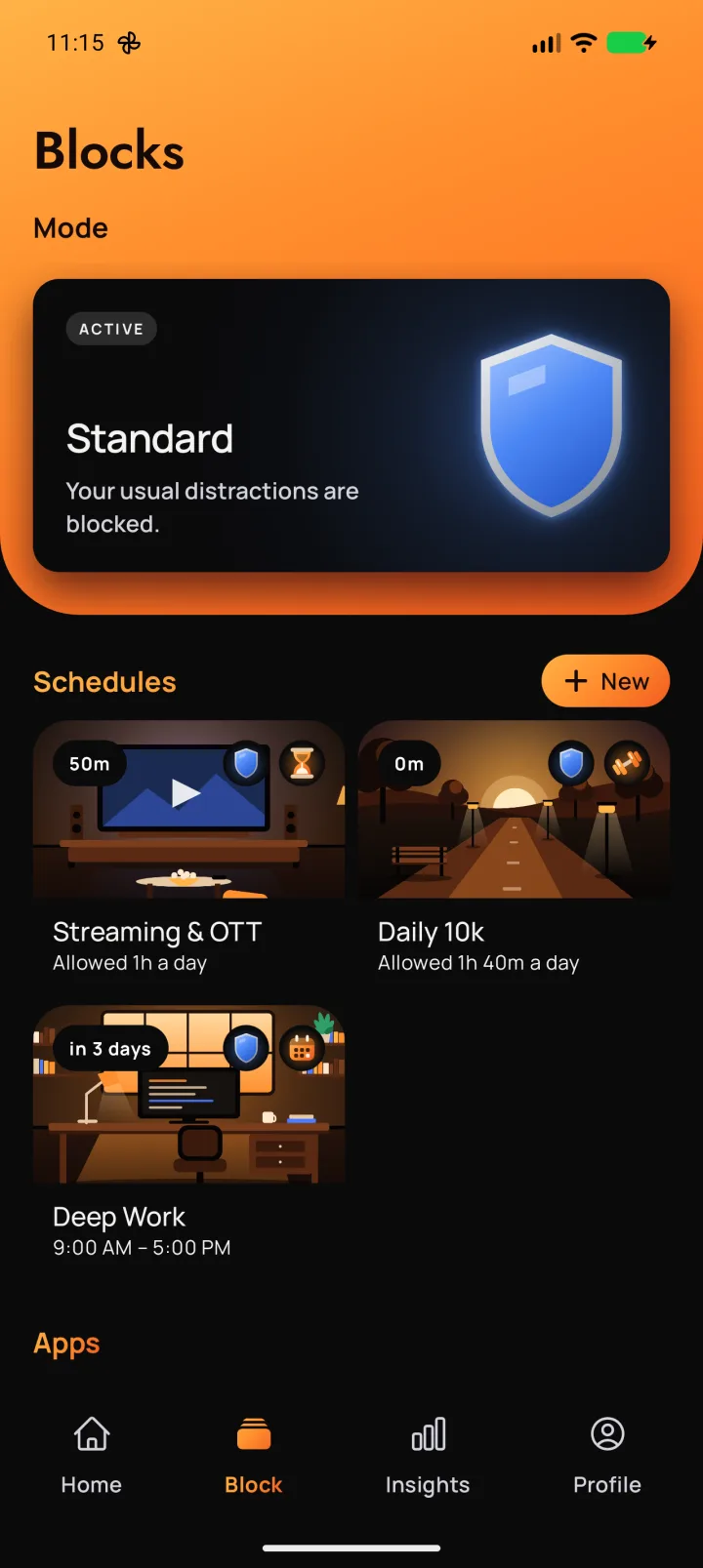
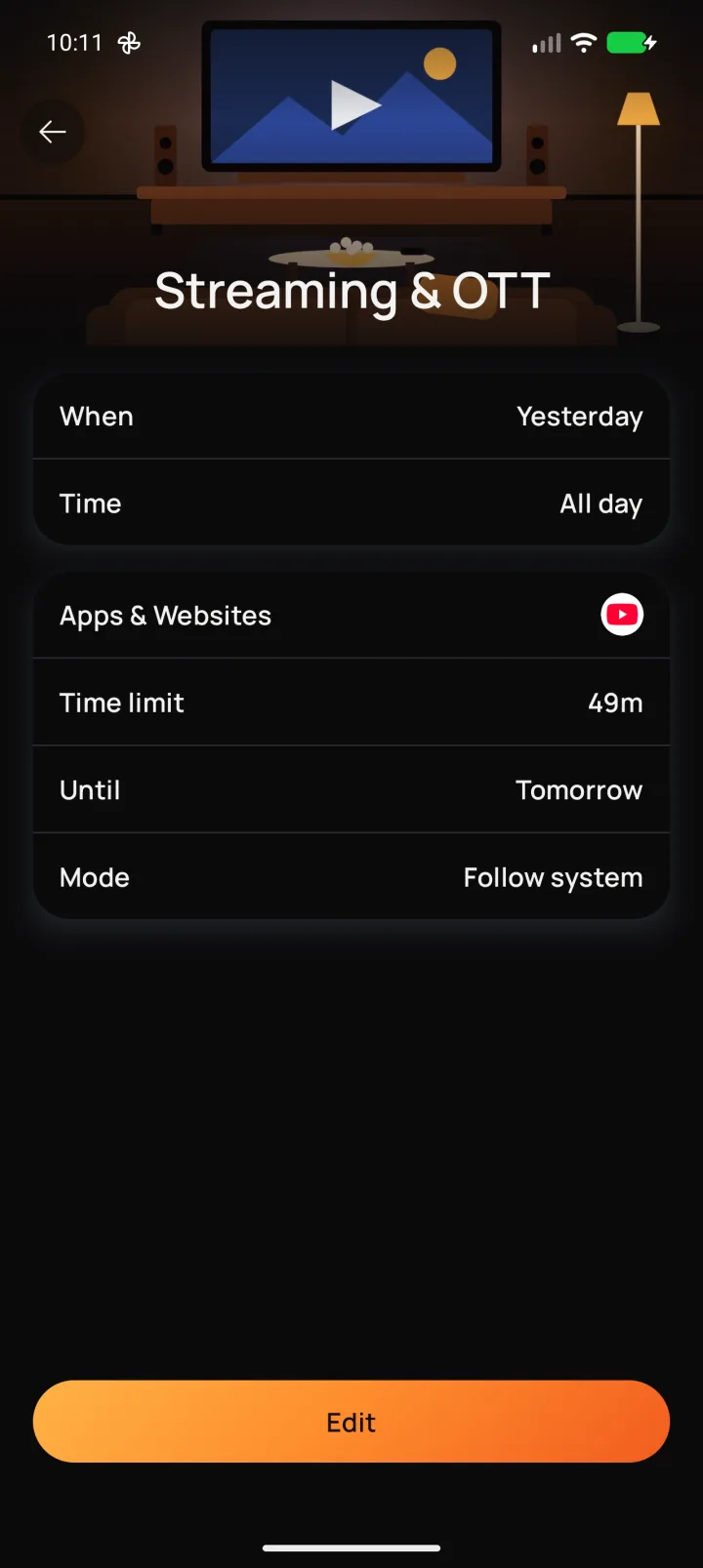
Decide which apps stay closed and when you can use them. New Dawn helps you set clear limits, with schedules, daily allowances and screen time earned through workouts.
- 1
Choose What To Block
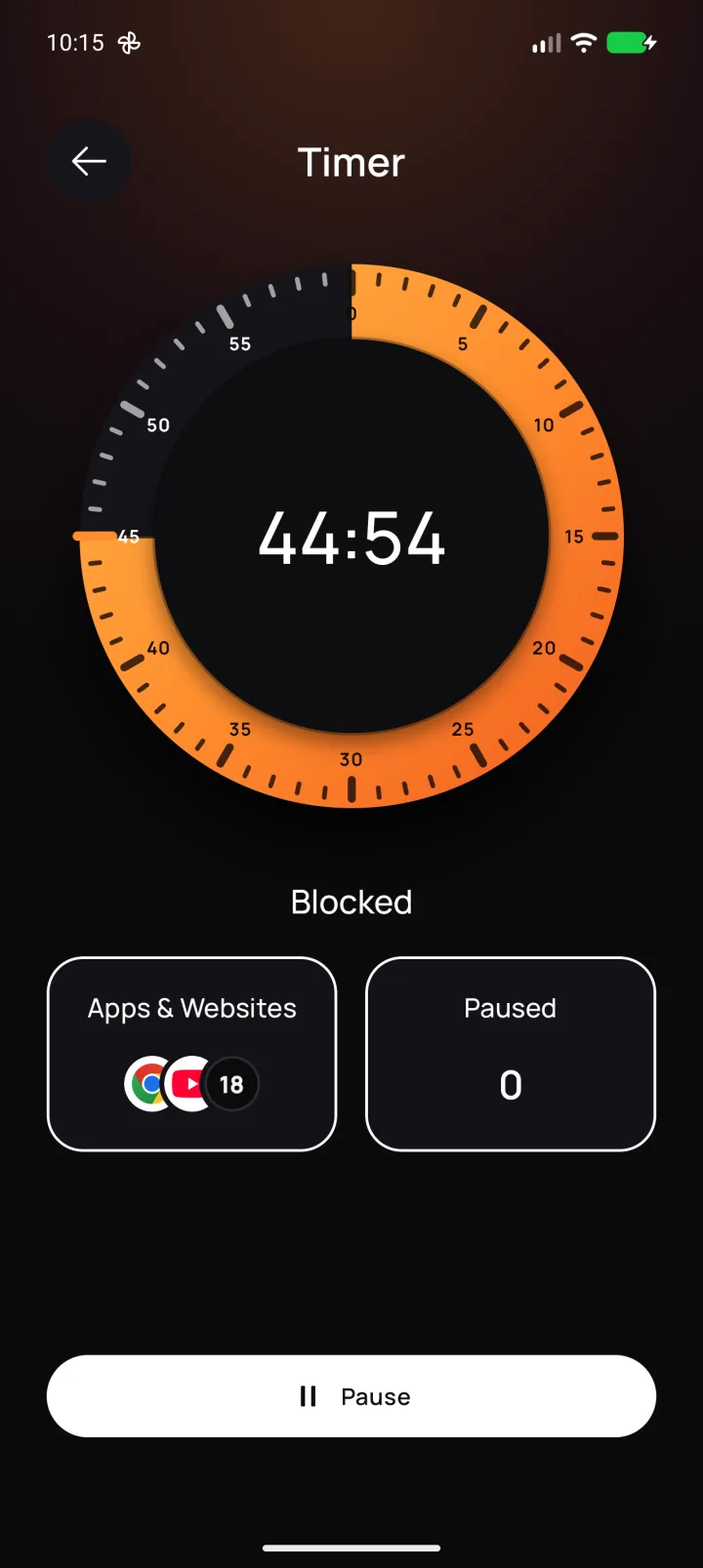
Pick the apps and websites that distract you most. Block social media, video platforms and other sites in your browser. With Premium, you can also use in-app blocking for features like Instagram Reels and YouTube Shorts.
- 2
Set Your Own Rules
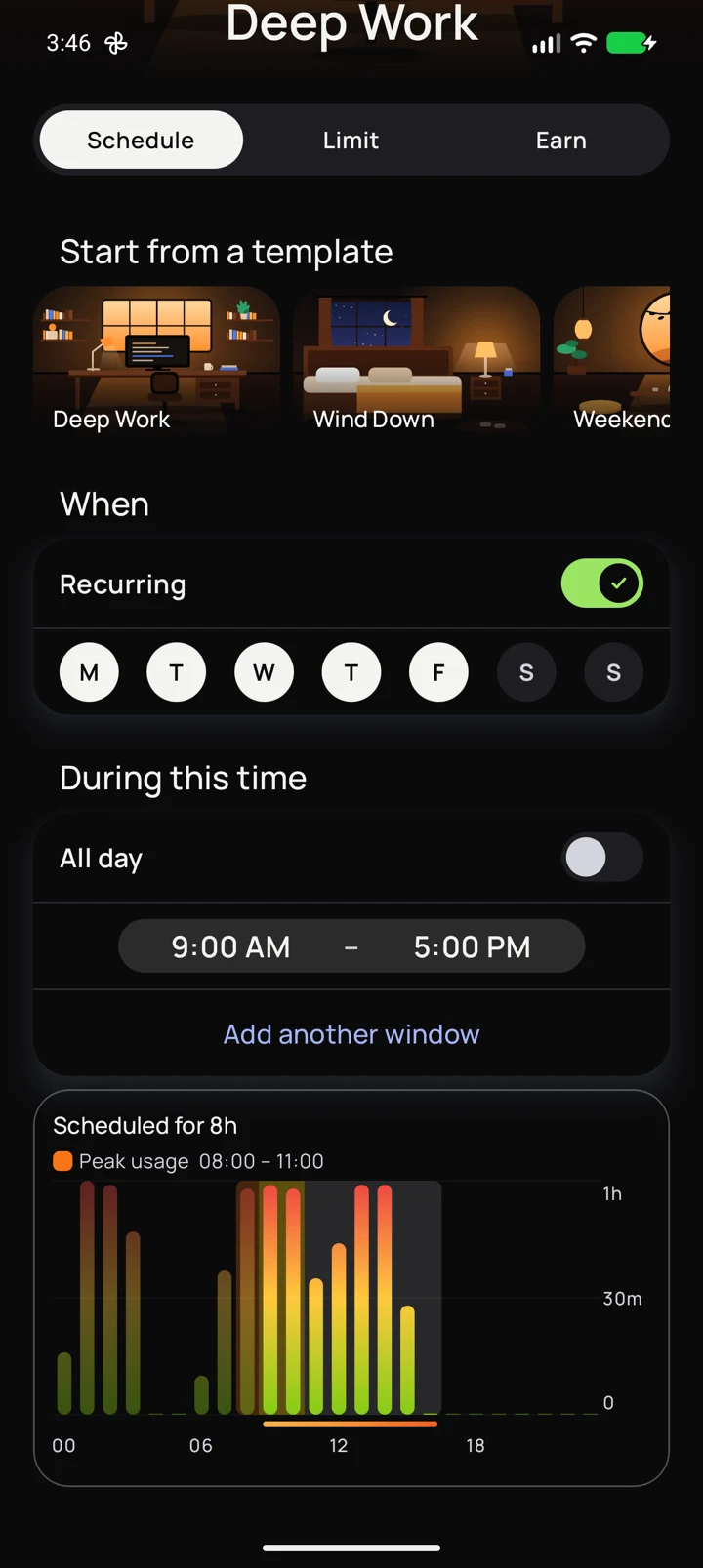
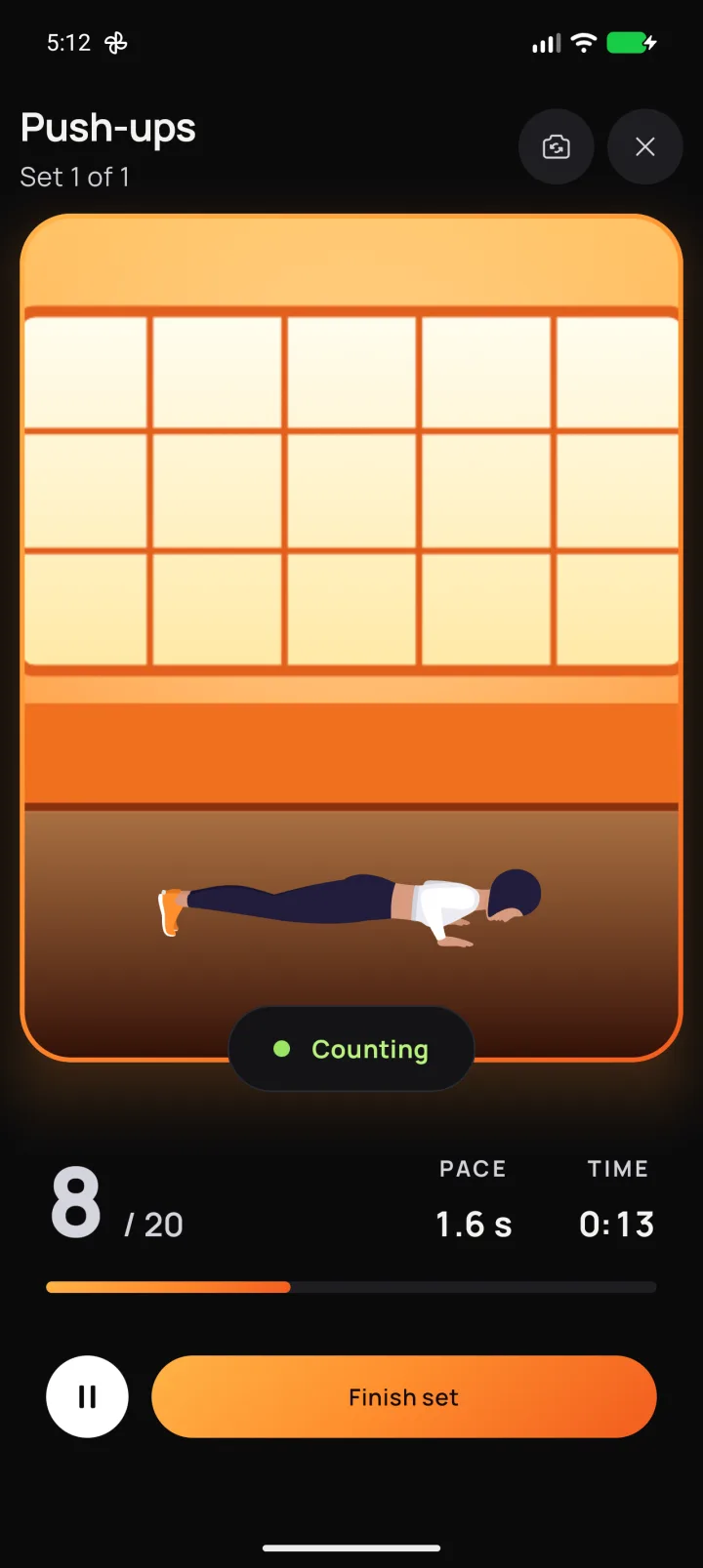
Choose a schedule, a daily screen-time limit or time earned through workouts. Keep social and video apps closed on weekdays, limit streaming to one hour a day, or earn ten minutes with five push-ups.
- 3
Interventions
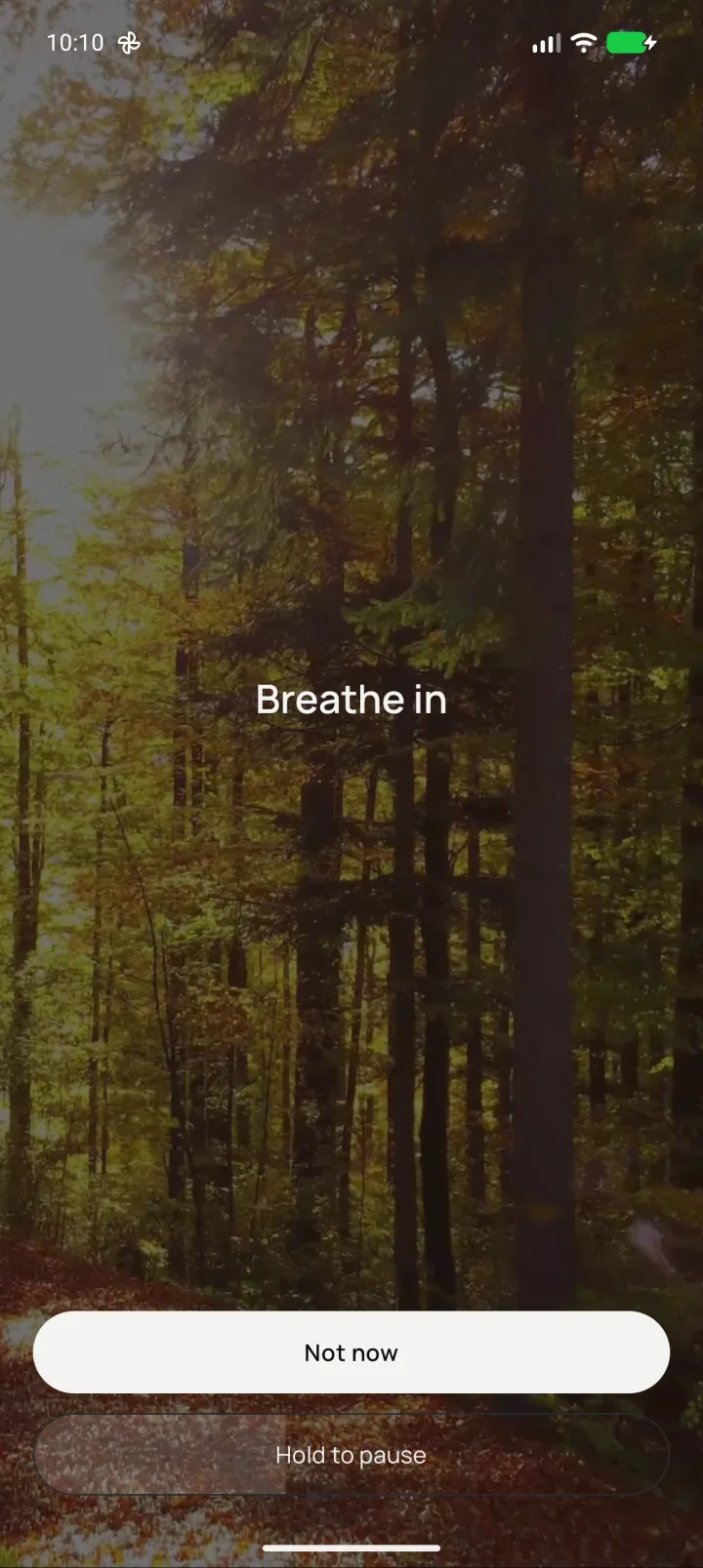
When you reach for a blocked app, New Dawn can ask you to take a slow breath or solve a short puzzle. Then choose whether to leave the app closed or open it.
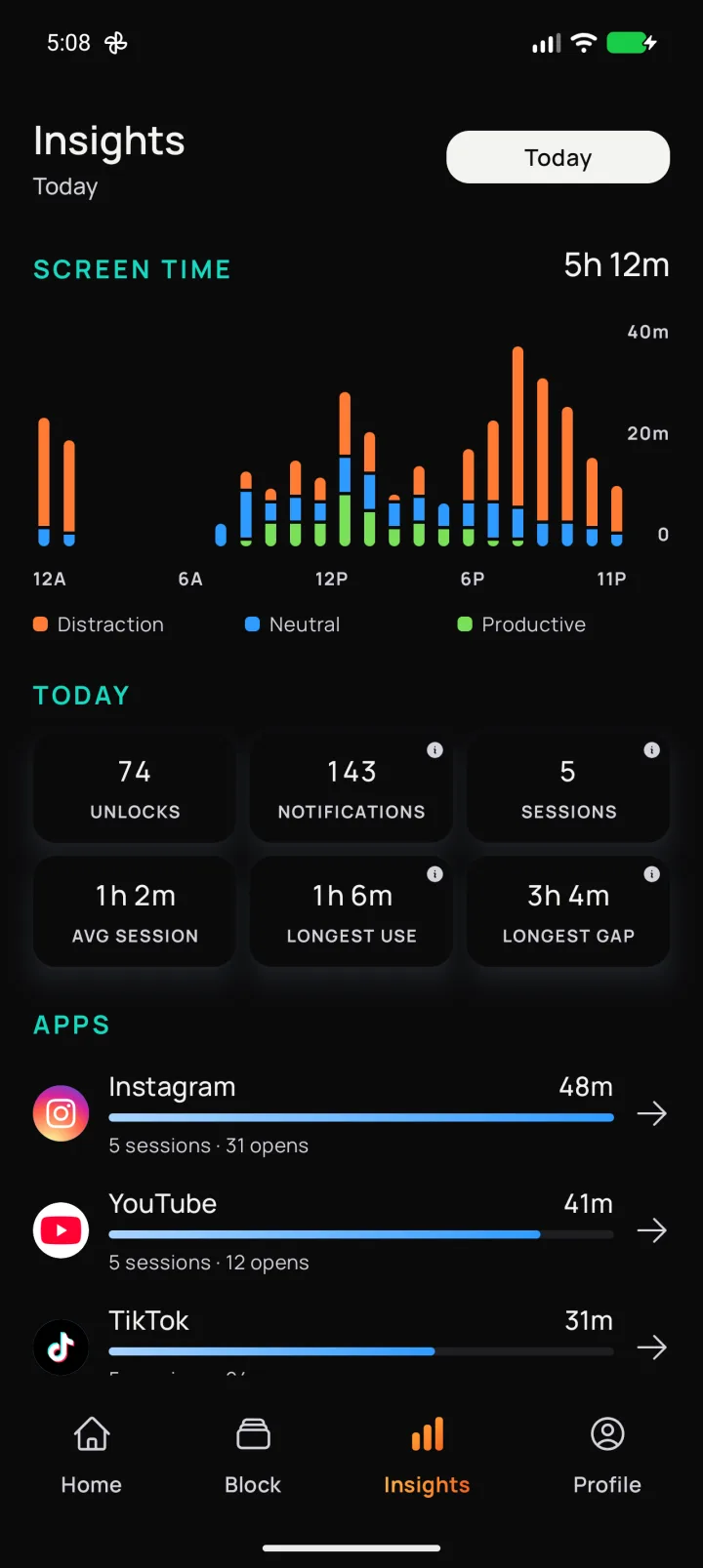
Your screen-time data stays on your phone and is never uploaded. Workouts are counted on your phone, with nothing recorded, and New Dawn shows no ads or sells your data.
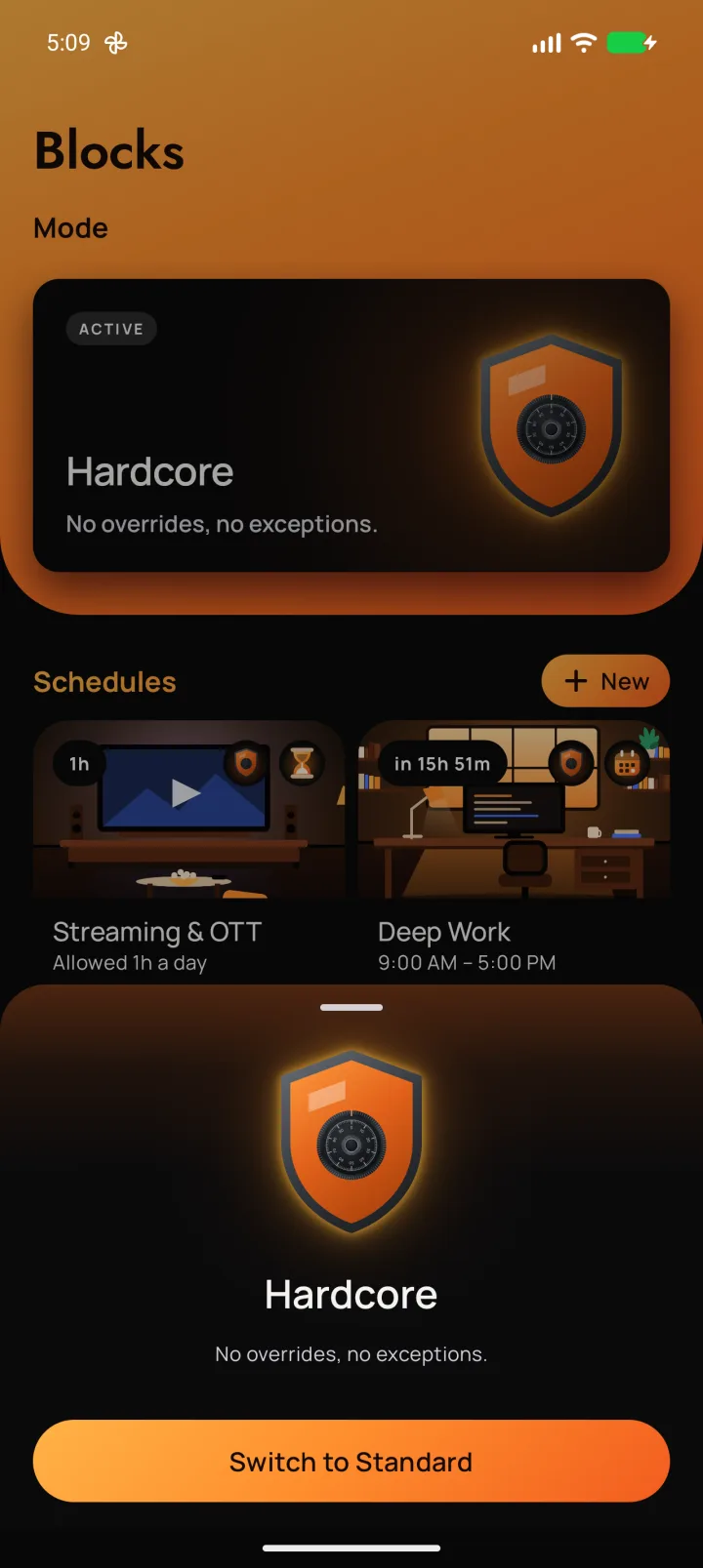
A Look Inside New Dawn.
These are real screens from the Android app.
Start With Small Changes.
Start free with up to three blocks, seven workouts, a focus timer and every intervention. Get Premium for unlimited blocks, all workouts, Hardcore mode and more.